
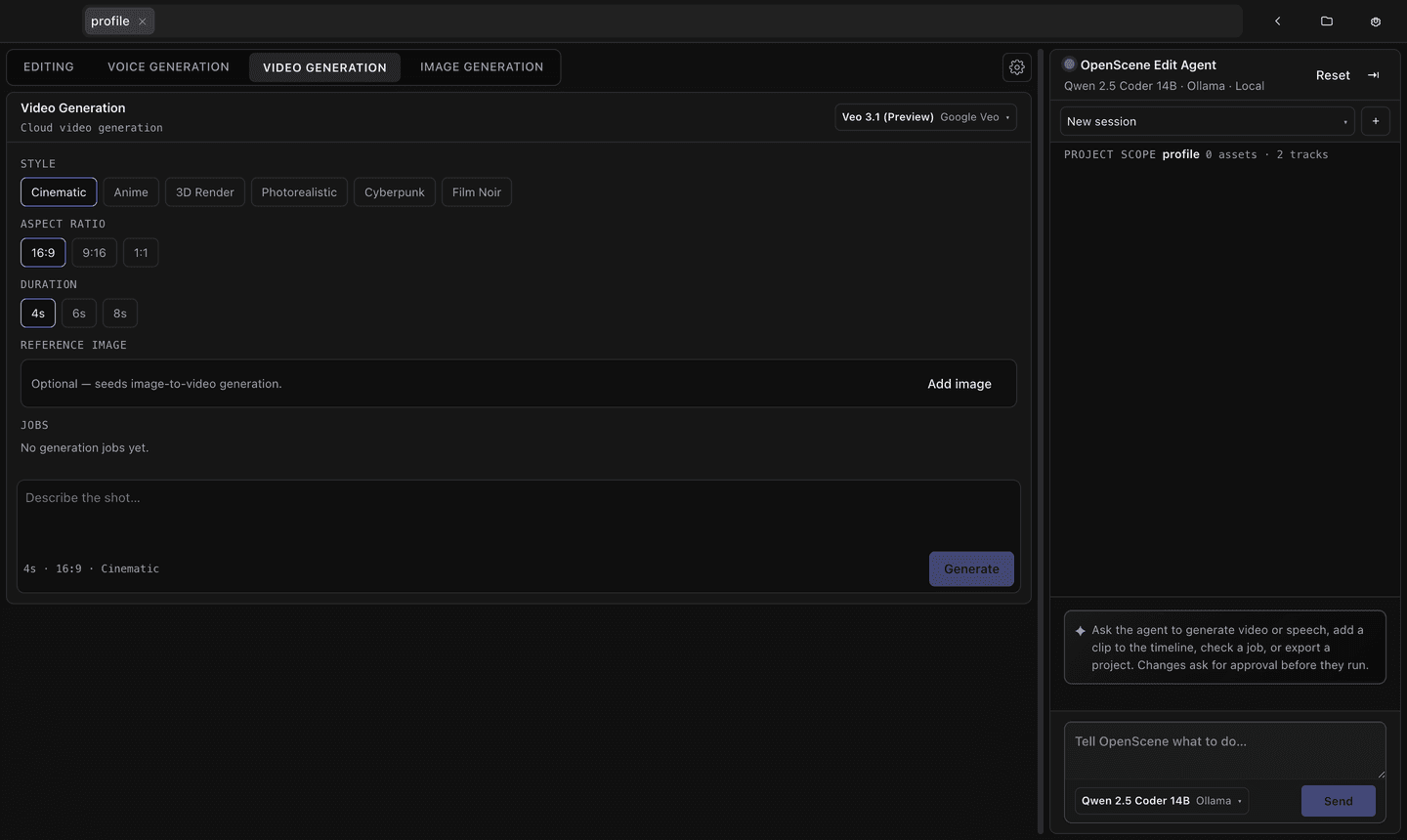
Generate a shot and place it
Make the shot you need inside the project and drop it straight on the timeline. If one shot isn't right, redo that shot alone.

Video editor
OpenScene
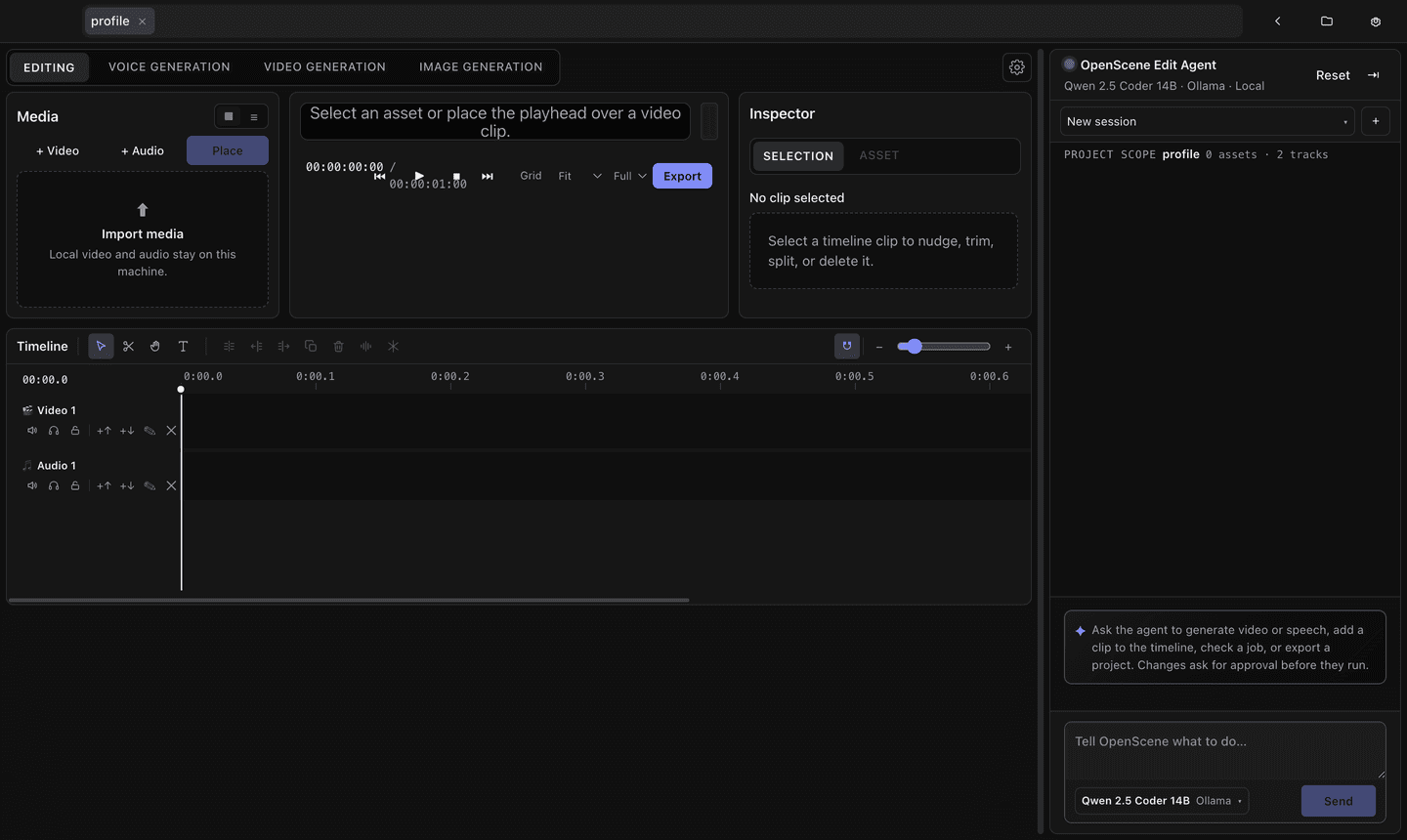
Open a folder as a project, drop clips on the timeline, export with the FFmpeg on your machine. Type into the Edit Agent beside the timeline and it cuts, trims and exports. Anything that changes the project asks you first.
Free on desktop and mobile, and the code is MIT-licensed.
Features
Generation and editing sit together, so nothing has to be built elsewhere and carried in.
Make the shot you need inside the project and drop it straight on the timeline. If one shot isn't right, redo that shot alone.
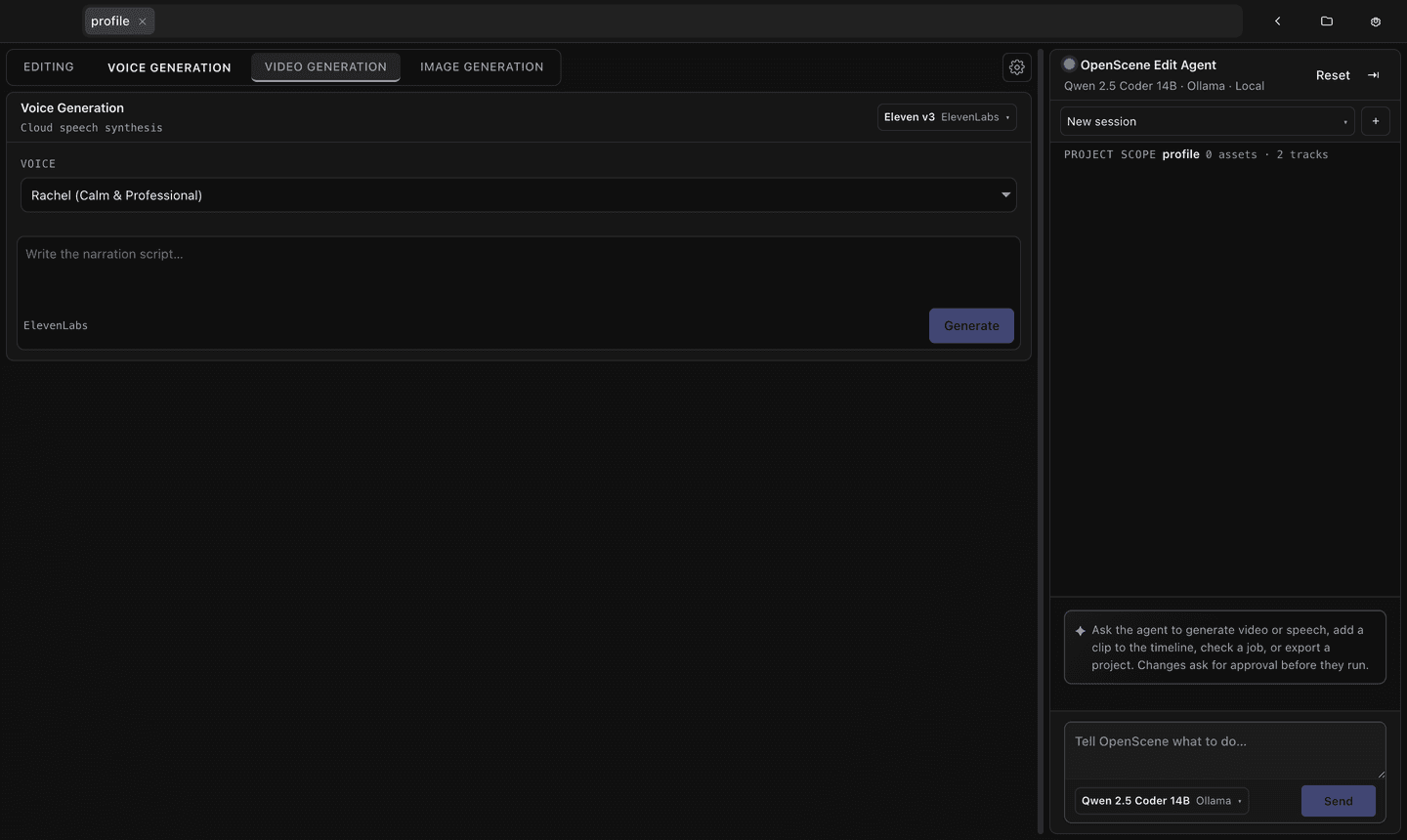
Generate a voice and lay it on a track, without leaving the edit to open something else.
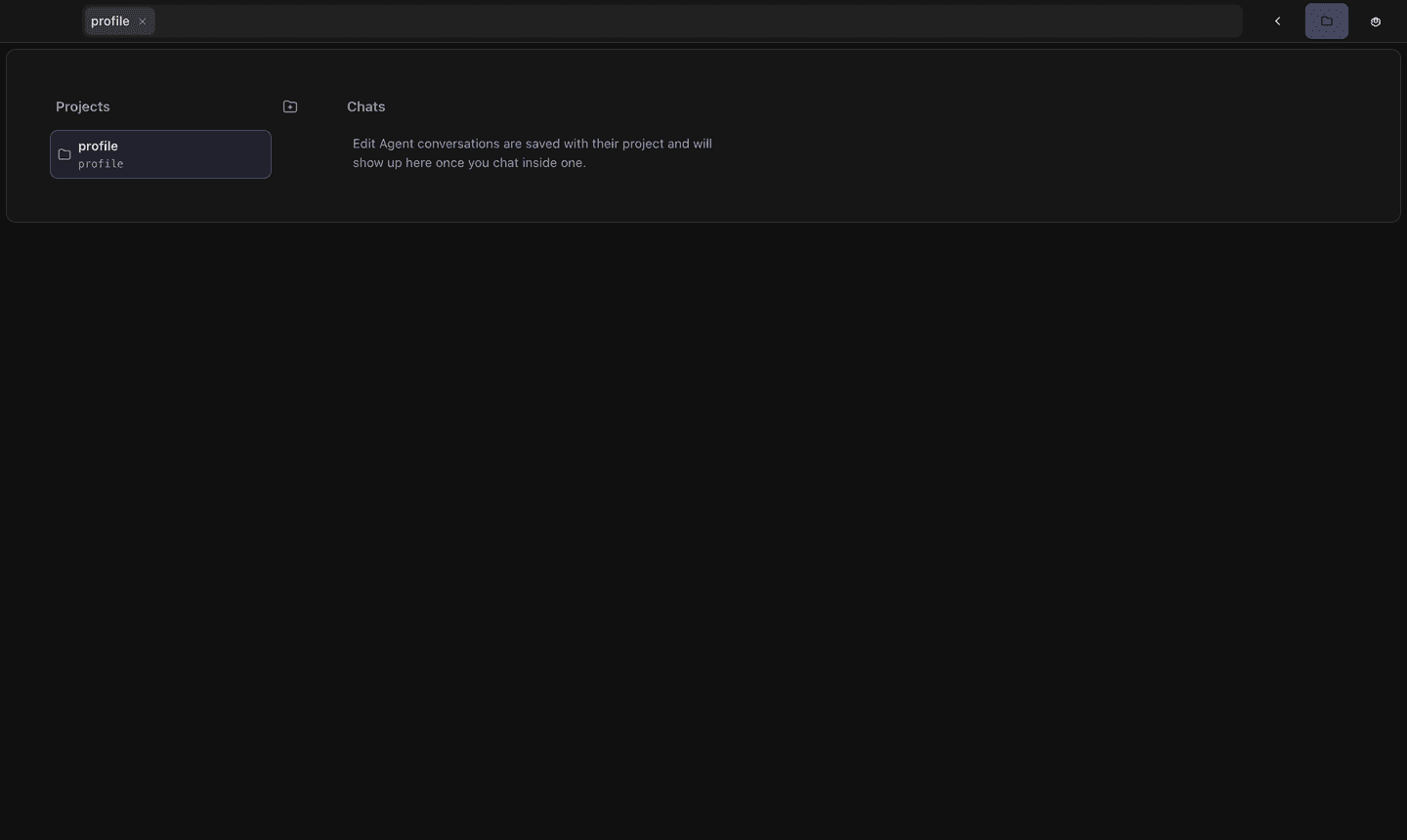
Open a folder and that's your project, with the assets inside it. What lives where is visible in your file browser.
Also in the app
How it works
Open the folder you're working in as a project. The files stay where they are.
Work the timeline yourself, or type what you want into the agent beside it.
Local FFmpeg writes the MP4, and the app reads the result back to check it.
A local Ollama needs no account, and cloud providers connect one API key at a time. With none connected, the editor still works.