
A few lines instead of the whole thing
Every new post gets a summary, so there's less opening and closing on a headline alone. Similar topics come grouped.
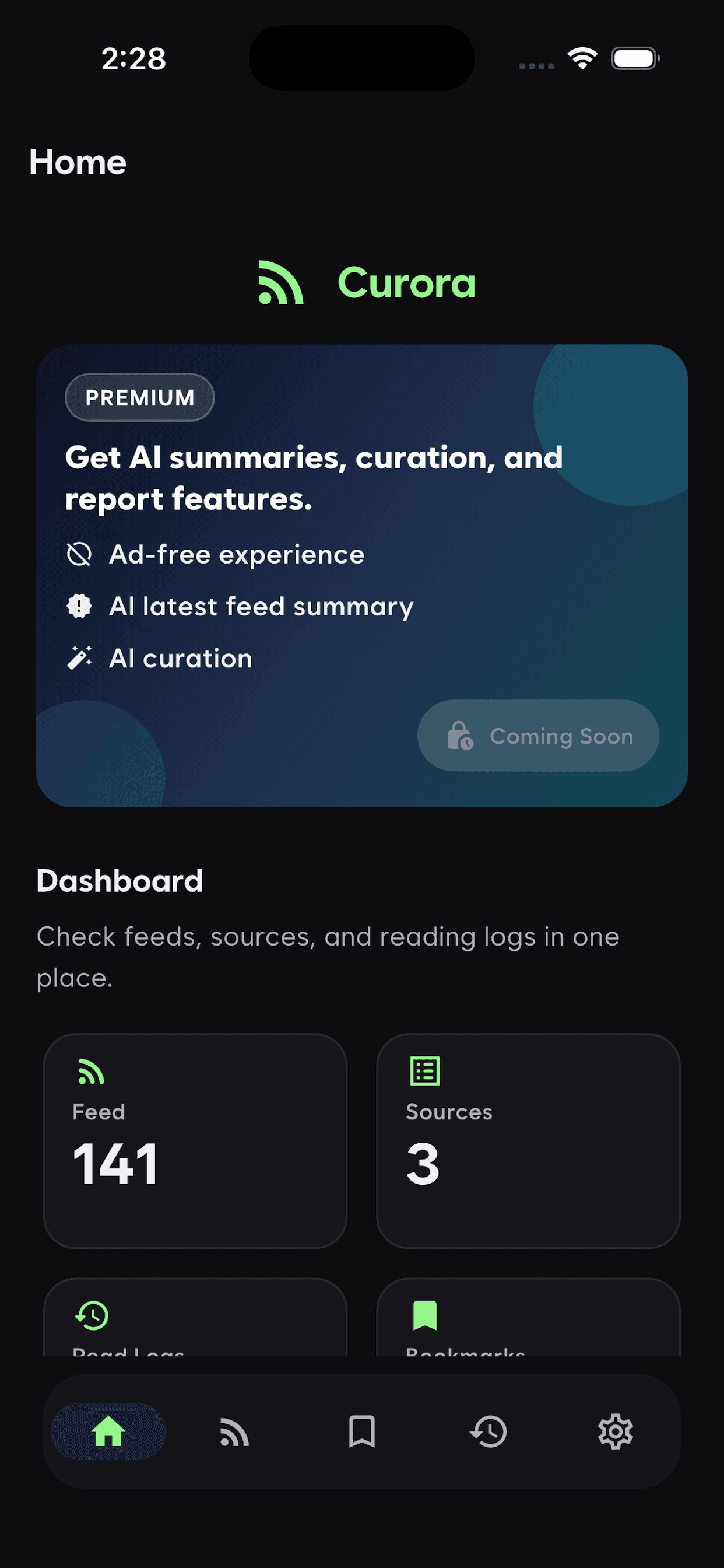

RSS reader
Curora
Paste an RSS address and new posts from that source collect in one place. A few lines of summary on each make it quick to decide what to open. No recommendations, nothing trending.
On iOS and Android, with ten sources on the free tier.
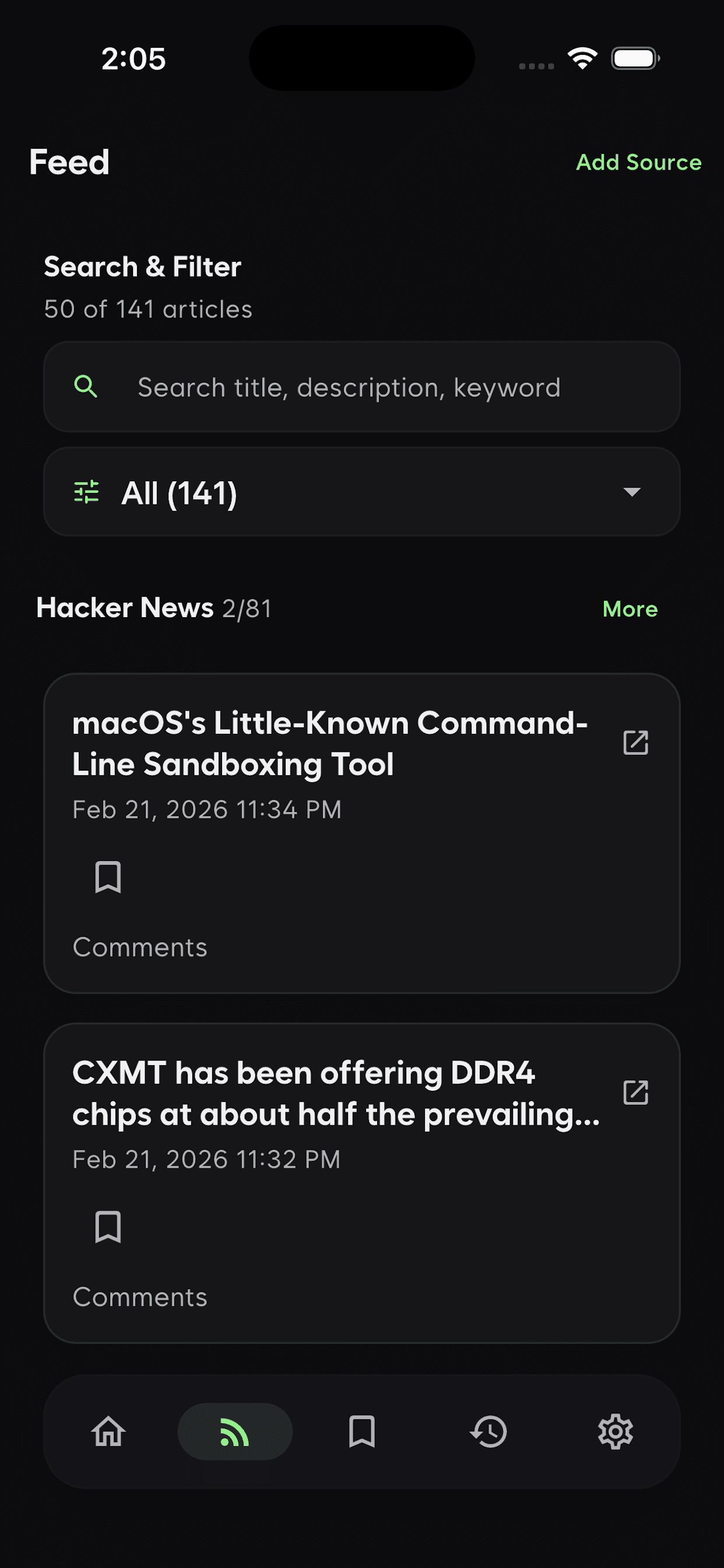
Features
Once a few hundred items go unread, you stop opening the app. That's why skimming and reading are separate screens.
Every new post gets a summary, so there's less opening and closing on a headline alone. Similar topics come grouped.
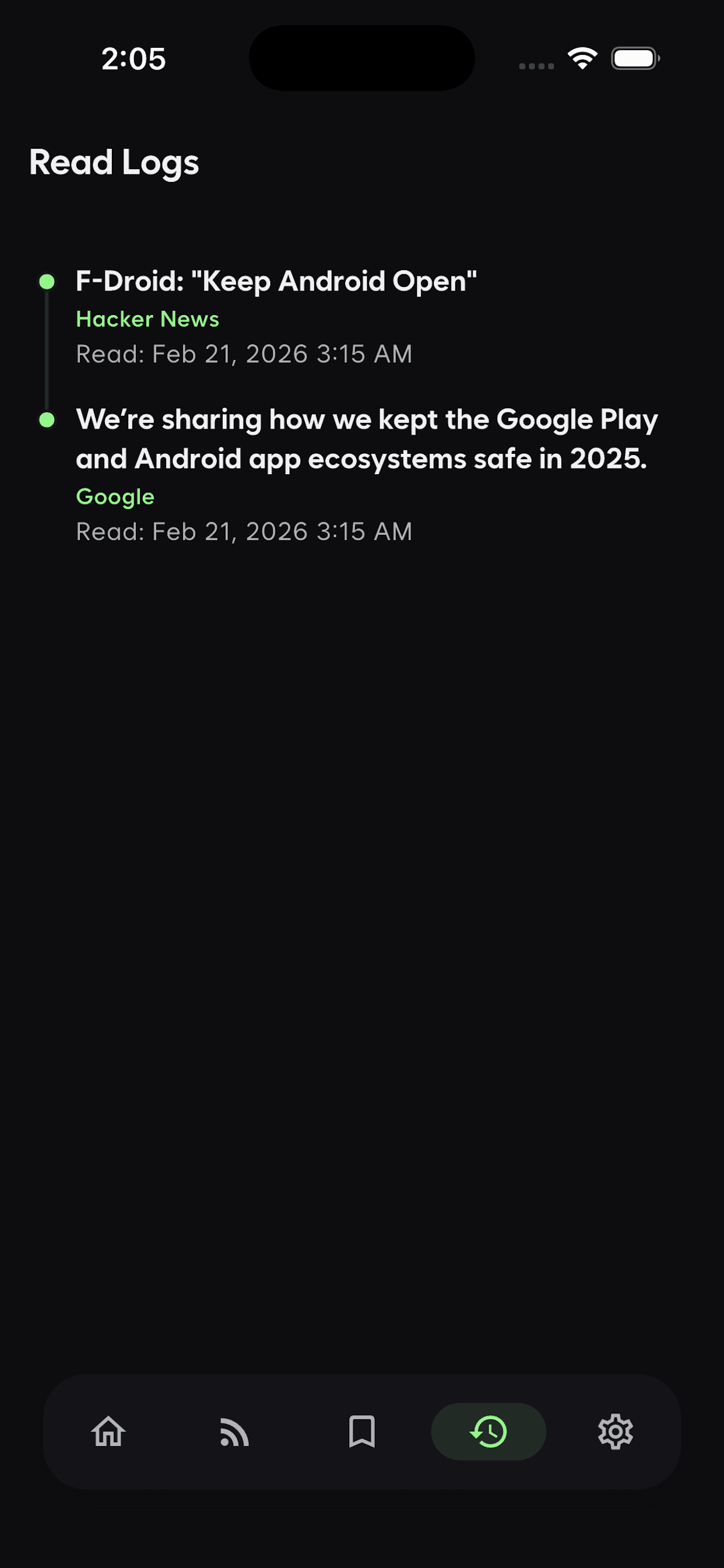
When you read something, and where it came from, stays on record. The sources you actually follow sort themselves out from the ones you skip.
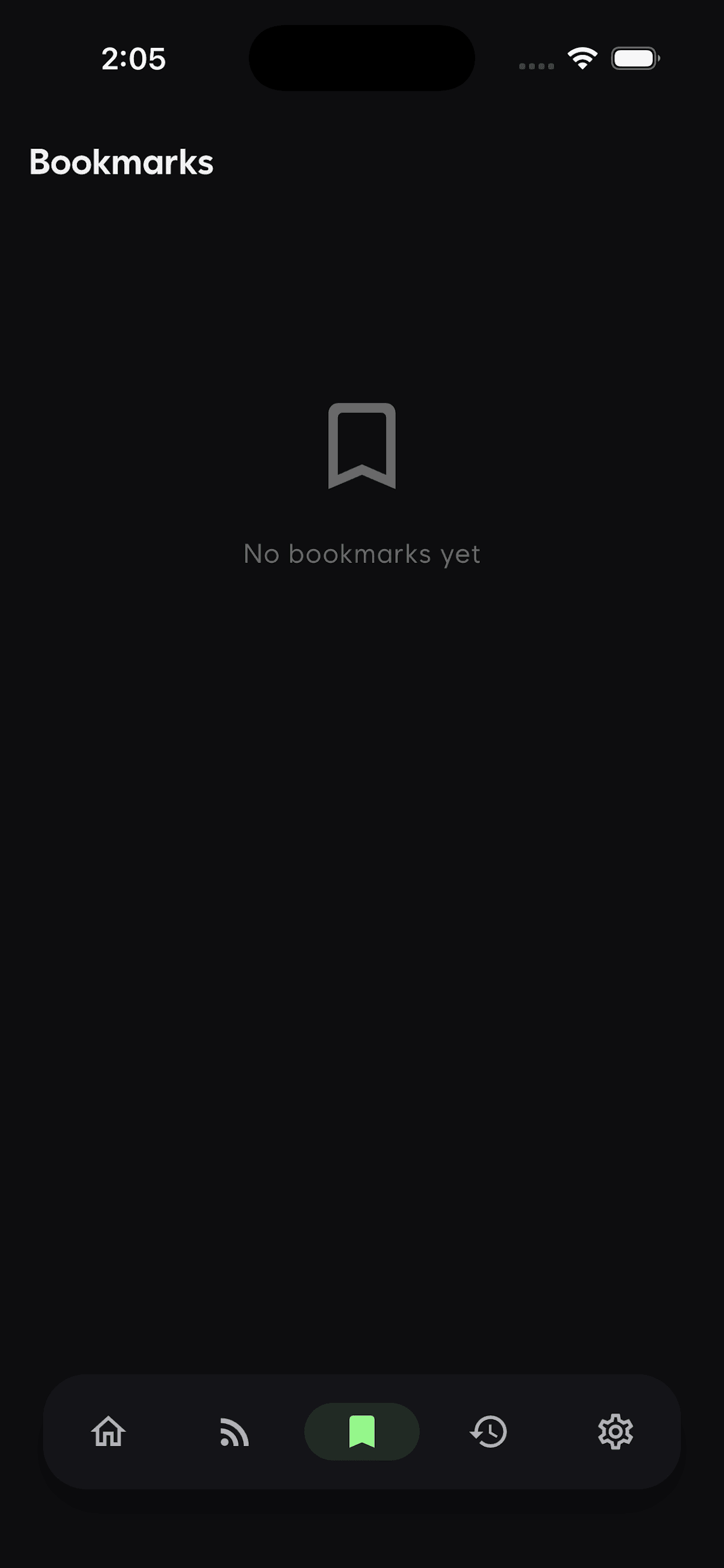
Mark whatever you can't get to now and pull it back later. Search and filters find it again.
Also in the app
How it works
Paste the RSS address of a blog or news site you follow.
New posts collect, each with a few lines of summary.
Use the summary to decide whether to skip or open.
The free tier covers ten sources and one AI summary a day. Premium is $0.99 a month, which lifts the source limit and raises summaries to three a day.