
Your work accumulates
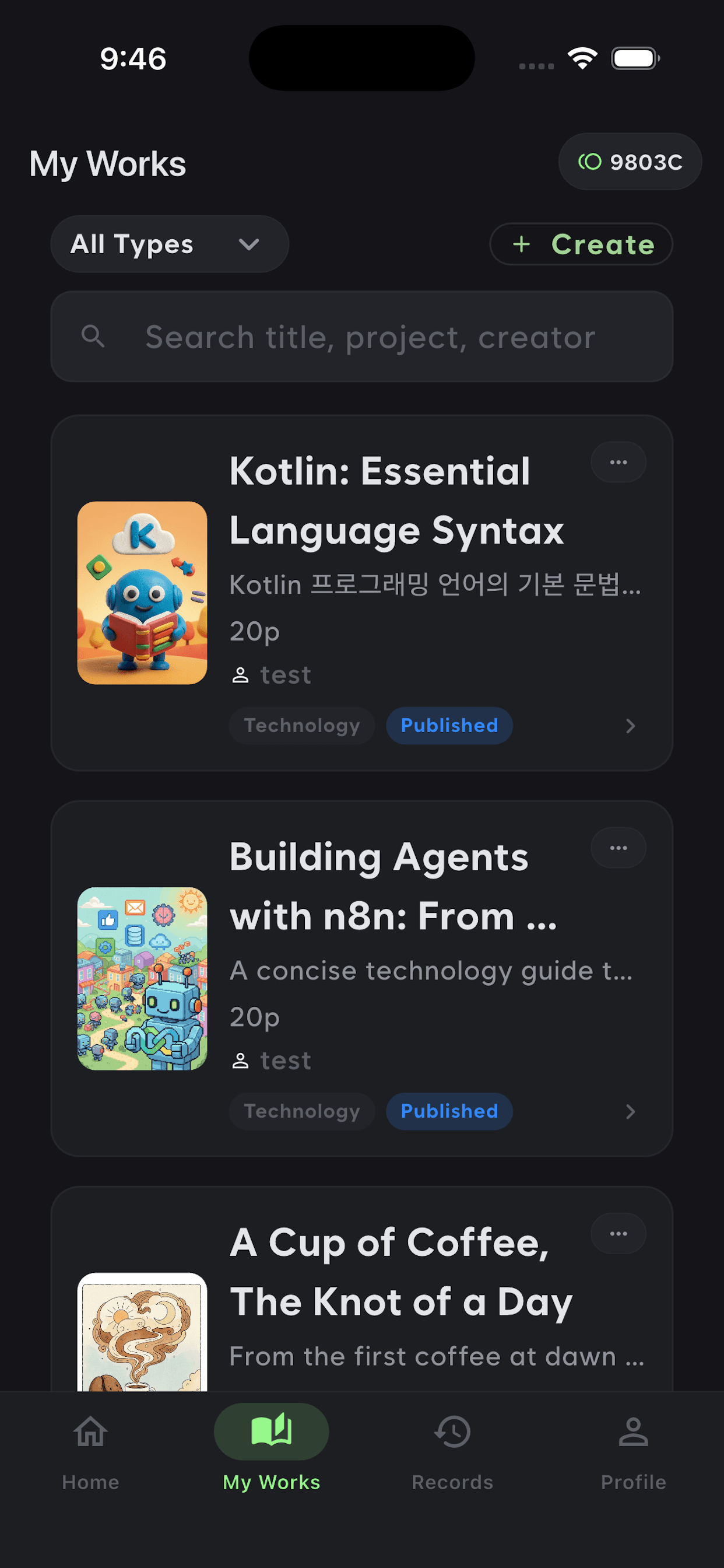
Finished pieces stay as works. Sort by type and status, and find them by title or project.

Notes & writing
Culvi
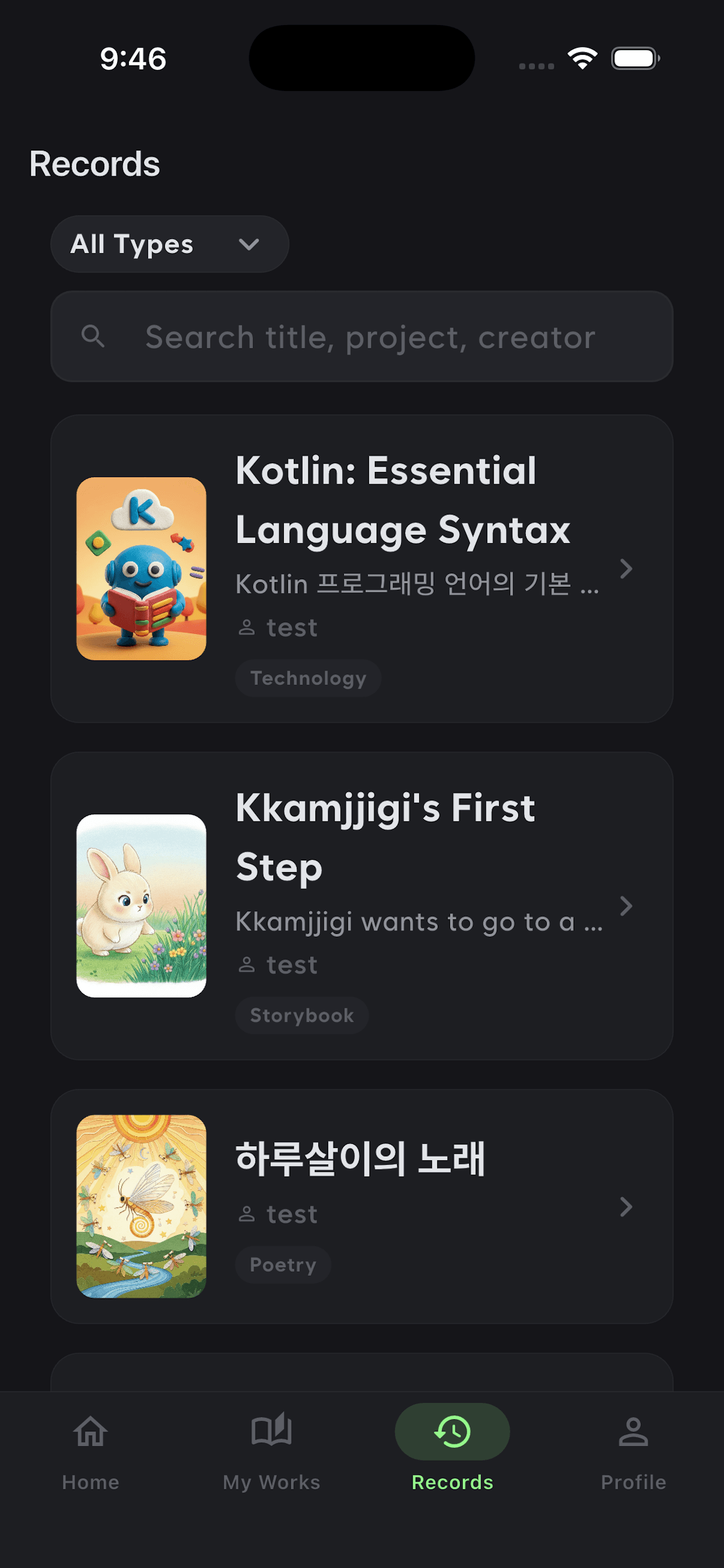
Keep the films you watched, the books you read and the shows you went to in one place. Write down a topic they left behind and AI drafts it, ready to shape into a finished piece.
On iOS and Android.
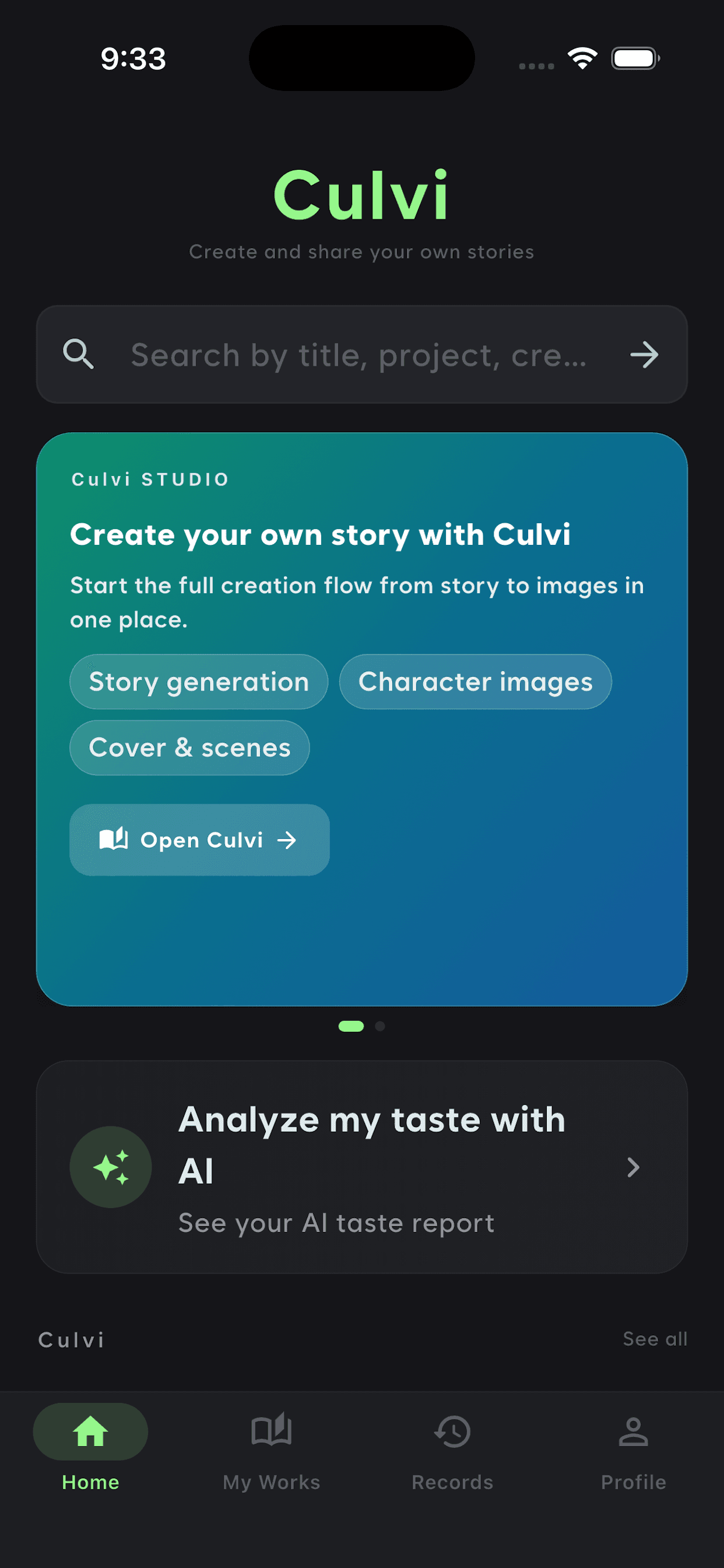
Features
The two sit together so what you logged becomes material for what you write next.
Finished pieces stay as works. Sort by type and status, and find them by title or project.
From technical writing, where clarity matters, to children's books and poetry, where form does. Same workspace throughout.
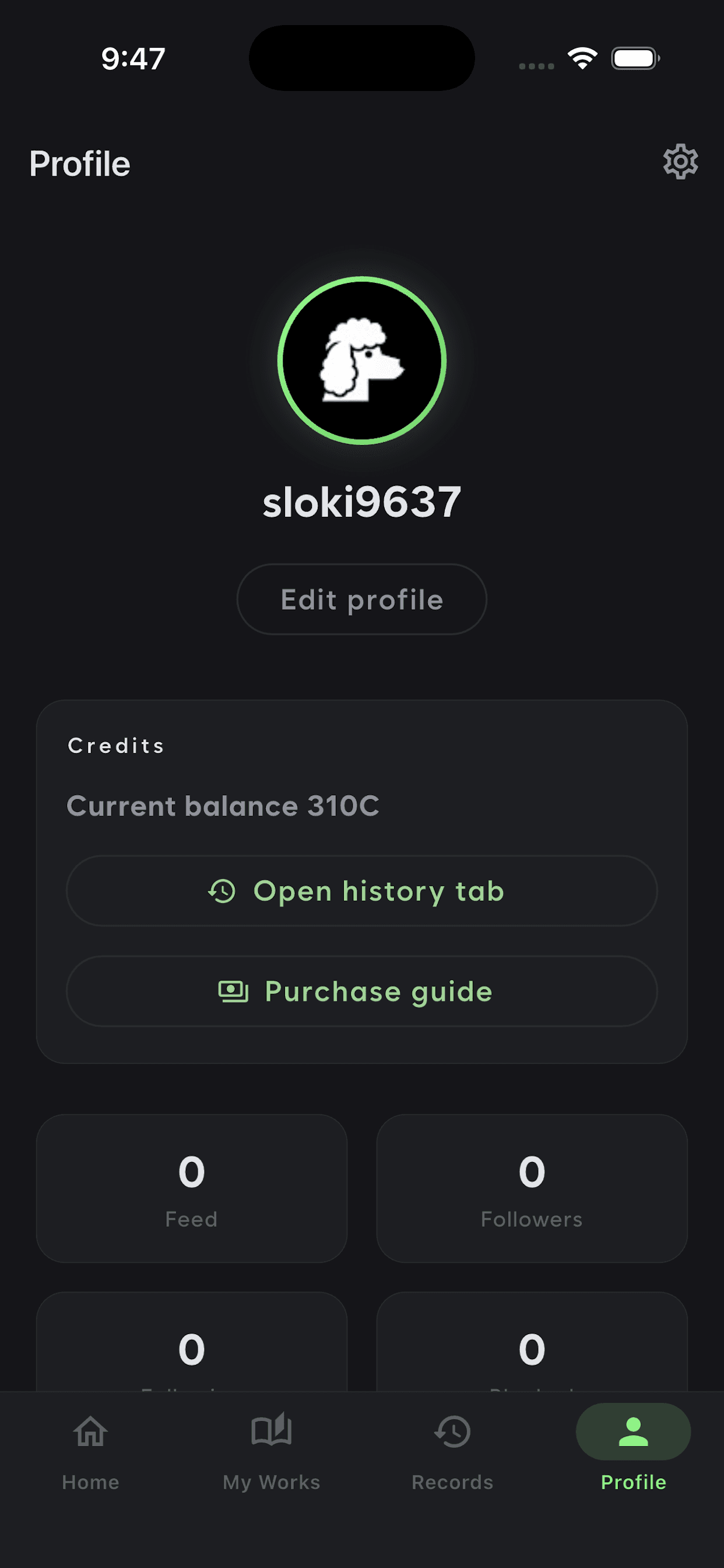
Generating runs on credits. Your balance and usage history sit in your profile.
Also in the app
How it works
Record the film you watched, the book you read, the show you attended.
Put down the topic or idea you want to write about and a draft comes back.
Revise the draft into a finished piece and keep it as your work.
How your logs and the pieces you make are stored and handled is written out in the privacy policy.